
WordPress Training in Mumbai
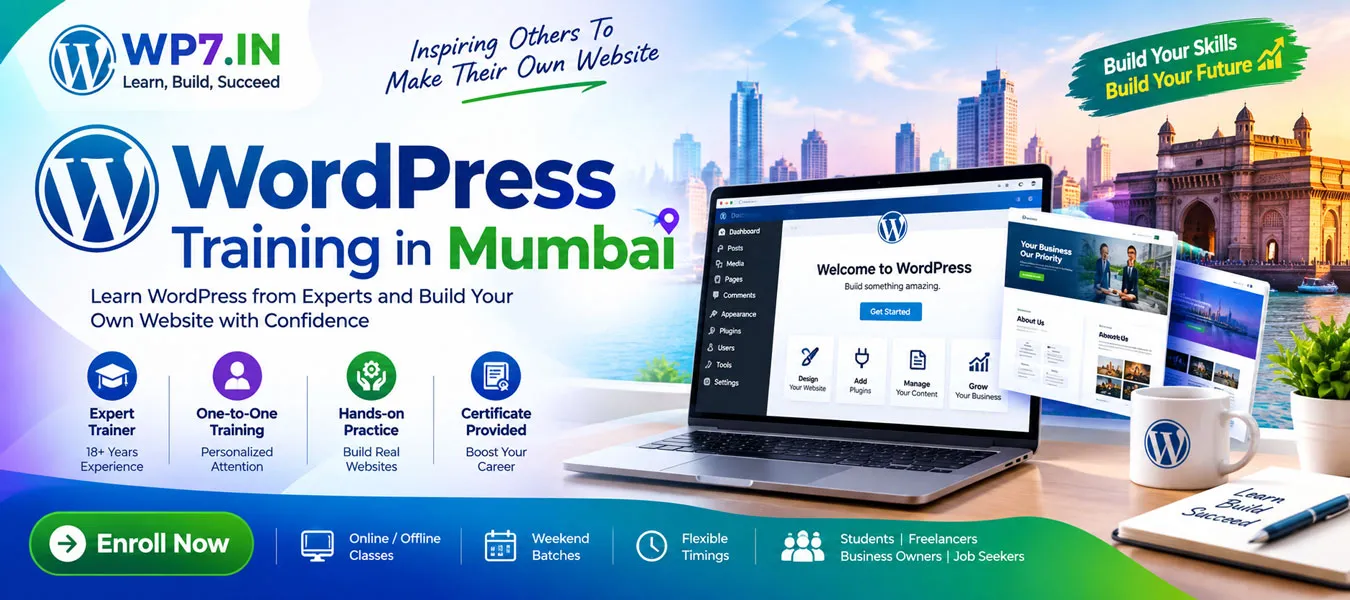
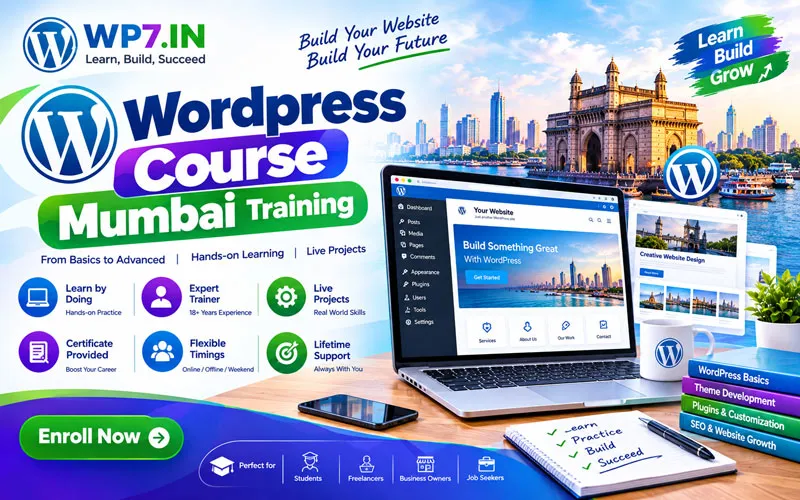
Looking for WordPress Training in Mumbai that is practical, beginner-friendly, and focused on real website development? WP7.IN provides structured WordPress training for students, freelancers, job seekers, business owners, entrepreneurs, and aspiring web designers.
WordPress is one of the most popular platforms for creating websites, blogs, business websites, portfolios, landing pages, and eCommerce stores. Moreover, you can learn the fundamentals without becoming an expert programmer. With practical training, you can learn how to build, customize, manage, optimize, and secure a professional WordPress website.
Our training approach focuses on learning by doing. Therefore, instead of only watching demonstrations, students work with WordPress and practice important tasks while learning.
Why Learn WordPress in Mumbai?
Mumbai has a large community of students, professionals, freelancers, startups, entrepreneurs, and small businesses. As a result, practical website skills can be useful for both employment and independent work.
Learning WordPress can help you develop websites for yourself, your employer, or clients. Furthermore, WordPress skills can be combined with SEO, Elementor, WooCommerce, digital marketing, and freelancing.
- Build professional business websites
- Create personal portfolios and blogs
- Learn website customization
- Understand themes and plugins
- Learn basic WordPress SEO
- Create landing pages
- Build WooCommerce websites
- Understand website security and backups
- Develop skills for freelance projects
- Manage and maintain WordPress websites
WordPress Training in Mumbai for Beginners
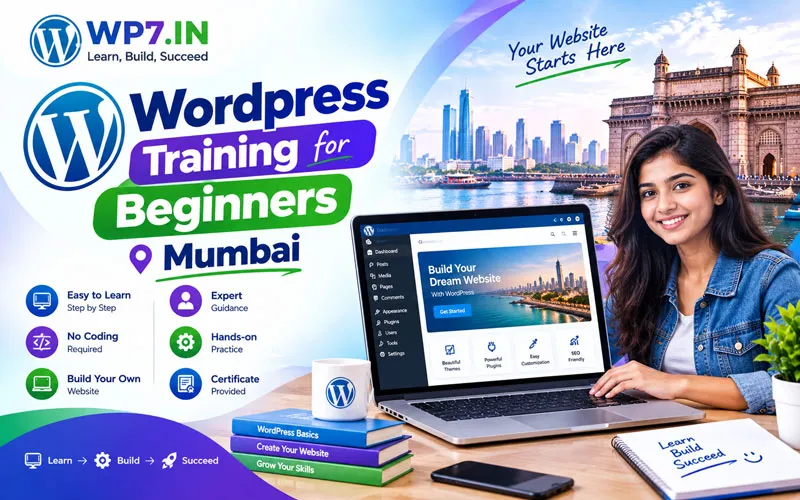
You do not need to be an experienced web developer to start learning WordPress. Beginners can start with the basics and gradually move toward advanced website development.
The training can begin with understanding what WordPress is and how a website works. Next, you can learn the WordPress dashboard, pages, posts, media, menus, themes, plugins, and essential settings.
What You Can Learn
- WordPress.com vs WordPress.org
- Domain name and web hosting basics
- WordPress installation
- WordPress dashboard
- Pages and posts
- Media management
- Menus and navigation
- WordPress themes
- WordPress plugins
- Widgets and website customization
- Elementor page building
- Contact forms
- Basic SEO
- Website security
- Backups and maintenance
One-to-One WordPress Training in Mumbai
One-to-one training can provide a more focused learning experience because the student can ask questions and practice according to their learning speed.
During practical sessions, you can work on your own website and understand each step instead of simply memorizing instructions. If you are a beginner, this approach can make technical concepts easier to understand.
Who Can Join WordPress Training?
- Students: Learn a practical website-building skill.
- Job Seekers: Develop skills that can complement digital and web-related careers.
- Freelancers: Learn how to create and manage client websites.
- Business Owners: Understand how to manage your business website.
- Entrepreneurs: Build an online presence for a new business.
- Web Designers: Improve WordPress development and customization skills.
Learn WordPress Website Development
WordPress website development involves much more than installing WordPress. You also need to understand website structure, themes, plugins, layouts, menus, content, forms, security, performance, and SEO.
Build a Website Step by Step
1. Plan the Website
First, identify the purpose of the website, target audience, pages, navigation, and required features.
2. Install WordPress
Next, learn how WordPress is installed on a web server and how to access the administration area.
3. Select a Theme
Choose a suitable WordPress theme based on design, responsiveness, performance, customization options, updates, security, and plugin compatibility.
4. Customize the Website
Customize layouts, colors, typography, menus, headers, footers, images, and other website elements.
5. Add Required Plugins
Plugins can add useful functionality such as contact forms, SEO features, security tools, backups, performance improvements, and eCommerce capabilities.
6. Optimize and Secure the Website
Finally, learn essential SEO, speed optimization, backups, updates, and security practices before publishing the website.
Elementor Training with WordPress
Elementor is widely used for creating visually attractive WordPress pages. During Elementor training, students can learn how to create page layouts using a visual editor.
- Page layout creation
- Containers and responsive design
- Typography and spacing
- Images and buttons
- Responsive mobile layouts
- Headers and footers
- Theme Builder
- Popup Builder
- Landing page design
WordPress SEO Training
A website needs more than an attractive design. It should also be easy for search engines and users to understand.
Therefore, WordPress SEO training can introduce important concepts such as SEO-friendly URLs, page titles, meta descriptions, headings, image optimization, internal linking, XML sitemaps, content structure, and basic technical SEO.
Students can also learn how plugins such as an SEO plugin can help manage important on-page SEO settings.
WordPress WooCommerce Training
If you want to create an online store, WooCommerce can be added to WordPress to provide eCommerce functionality.
Depending on your learning requirements, training can cover products, categories, product images, shop pages, payment-related settings, shipping options, orders, and basic store management.
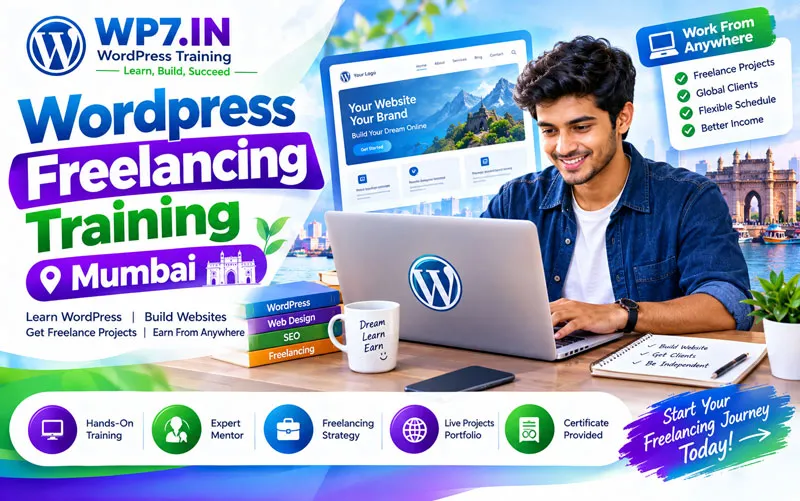
WordPress Training for Freelancing
WordPress is also useful for people interested in freelancing. After learning website development, you can practice creating different types of websites and gradually develop a portfolio.
For example, you can practice building:
- Business websites
- Portfolio websites
- Restaurant websites
- Consultant websites
- Landing pages
- Blog websites
- Small eCommerce websites
However, learning WordPress is only one part of becoming a successful freelancer. You should also develop communication, project management, pricing, client handling, and digital marketing skills.
Why Choose Practical WordPress Training?
Reading tutorials can introduce concepts. However, practical training allows you to apply those concepts to a real website.
- Learn through practical exercises
- Work with real WordPress features
- Ask questions during training
- Practice website customization
- Understand common WordPress problems
- Learn website management
- Build confidence through hands-on work
FAQ’s About WordPress Training in Mumbai
WordPress Training in Mumbai teaches students how to create, customize, manage, optimize, and maintain WordPress websites. Training can range from beginner fundamentals to advanced website development.
Yes. Beginners can start with basic WordPress concepts and gradually learn website creation, themes, plugins, Elementor, SEO, security, and other practical skills.
Basic WordPress website creation can be learned without advanced coding knowledge. However, understanding HTML, CSS, PHP, or JavaScript can become useful when you move into advanced customization and development.
Yes. Online instructor-led training can allow students in Mumbai to learn WordPress remotely while practicing on their own computer.
Yes. Elementor can be included as part of practical WordPress training for creating and customizing website pages and responsive layouts.
Yes. WordPress can be useful for freelance website projects. Along with technical skills, freelancers should also learn client communication, project management, pricing, and portfolio development.
Yes. WordPress can be used for many types of business websites, including service websites, portfolios, blogs, landing pages, and eCommerce websites.
After learning the fundamentals, you can progress to Elementor, SEO, WooCommerce, website speed optimization, security, backups, advanced customization, and WordPress development.
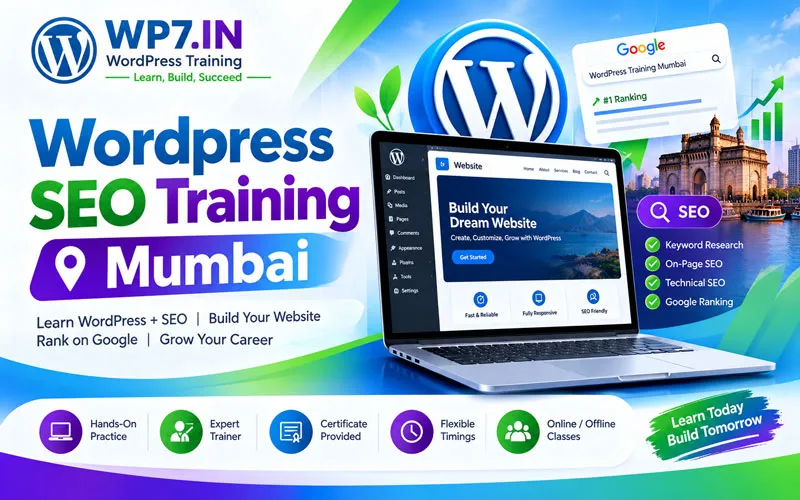
Internal Resources to Explore
Enhance your web development journey by exploring our in-depth practical guides:
- Master search engine rankings with our Complete WordPress SEO Guide.
- Learn WordPress Security with our WordPress Security Guide.
- Speed up your site using our WordPress Speed Optimization Guide.
- Online WordPress Training
- Learn WordPress in 8 Days
- WordPress Training for Beginners
- One-to-One WordPress Training
- Elementor Training
- WordPress Speed Optimization
- eCommerce Training
- WordPress Security Guide
- Complete WordPress SEO Guide
- Freelancing with WordPress
Advantages of WordPress
1. Beginner-Friendly
WordPress provides an easy-to-use dashboard that allows beginners to manage website content.
2. Flexible
WordPress can be used for blogs, business websites, portfolios, educational websites, online stores, and many other projects.
3. Customizable
Themes, plugins, blocks, page builders, and custom development provide many customization options.
4. Cost-Effective
The WordPress software itself is free. However, you may need to pay for domain registration, hosting, premium themes, plugins, development, or other services depending on your website requirements.
5. Large Community
Because WordPress is widely used, there are many tutorials, documentation resources, developers, designers, plugins, themes, and learning communities available.
Start Learning WordPress
If you are searching for WordPress Training in Mumbai, you can start with the fundamentals and gradually progress toward website development, Elementor, SEO, WooCommerce, security, performance, and freelancing.
Ready to learn WordPress practically? Explore WP7.IN WordPress training and choose a learning path that matches your goals.
Start your WordPress learning journey with WP7.IN today.
Call Now : 9010 39 2034