
WORDPRESS
TRAINING
FREE Learning Resources
Get FREE WordPress training materials, premium themes, plugins, software, banners, templates, and useful tools.
Hands-on LIVE Project
Build a complete, responsive WordPress website during the course and gain real-world project experience.
WordPress Training
Learn WordPress from Scratch with Live Projects
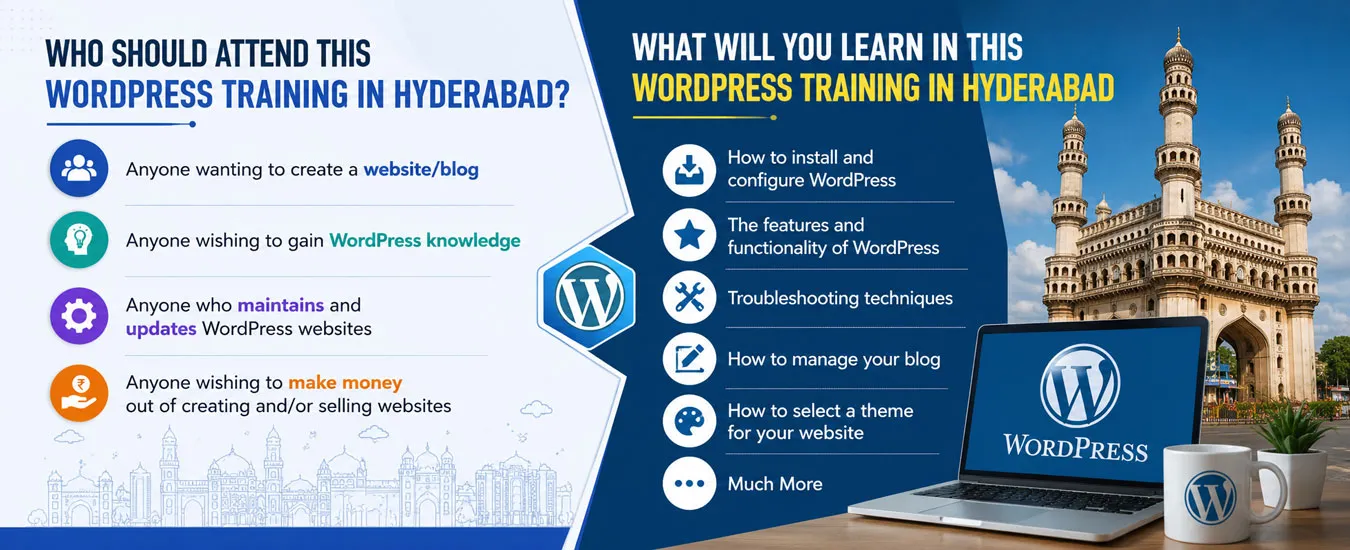
Want to build professional websites without learning complicated programming? Our WordPress Training is designed for beginners, students, freelancers, business owners, and job seekers who want practical skills that lead to real opportunities.
At WP7.IN, we focus on practical learning instead of theory. From installing WordPress to building professional business websites, blogs, portfolios, eCommerce stores, and SEO-friendly websites, every topic is taught through hands-on practice.
Whether your goal is getting a job, starting freelancing, launching your own business website, or improving your digital skills, our training gives you everything required to succeed.
Why Learn WordPress?
WordPress powers more than 40% of all websites worldwide. Because of its flexibility, simplicity, and huge demand, WordPress has become the most popular website-building platform.
- No coding required
- Easy to learn
- Create business websites
- Build blogs and portfolios
- Develop WooCommerce online stores
- Create LMS websites
- Design responsive websites
- Excellent freelancing opportunities
- High demand in digital marketing agencies
- Perfect for entrepreneurs
Who Should Join This WordPress Training?
- Students
- Freshers
- Job Seekers
- Freelancers
- Business Owners
- Digital Marketers
- Graphic Designers
- Bloggers
- Content Creators
- Anyone interested in website development
What You Will Learn
WordPress Fundamentals
- What is WordPress?
- WordPress.org vs WordPress.com
- Domain Registration
- Web Hosting
- Control Panel (cPanel)
- Installing WordPress
- Dashboard Overview
- Posts vs Pages
- Categories and Tags
- Media Library
Website Design
- Theme Installation
- Theme Customization
- Elementor Website Builder
- Responsive Design
- Header & Footer Design
- Navigation Menus
- Homepage Design
- Landing Pages
Advanced WordPress
eCommerce Training
SEO Training
Advanced WordPress
- Plugins Installation
- Contact Forms
- Security
- Website Backup
- Performance Optimization
- Image Optimization
- Website Migration
- Website Maintenance
WooCommerce Training
- Create Online Store
- Products
- Categories
- Payments
- Shipping
- Taxes
- Coupons
- Orders Management
SEO Training
- Keyword Research
- On-Page SEO
- Technical SEO
- Schema Markup
- Google Search Console
- Google Analytics
- Speed Optimization
- AI SEO Techniques
Live Projects Included
Learning becomes easier when you build real websites. Therefore, every student works on live projects during the course.
- Business Website
- Portfolio Website
- Corporate Website
- Educational Website
- Blog Website
- WooCommerce Store
- Landing Page
- SEO Optimized Website
Course Highlights
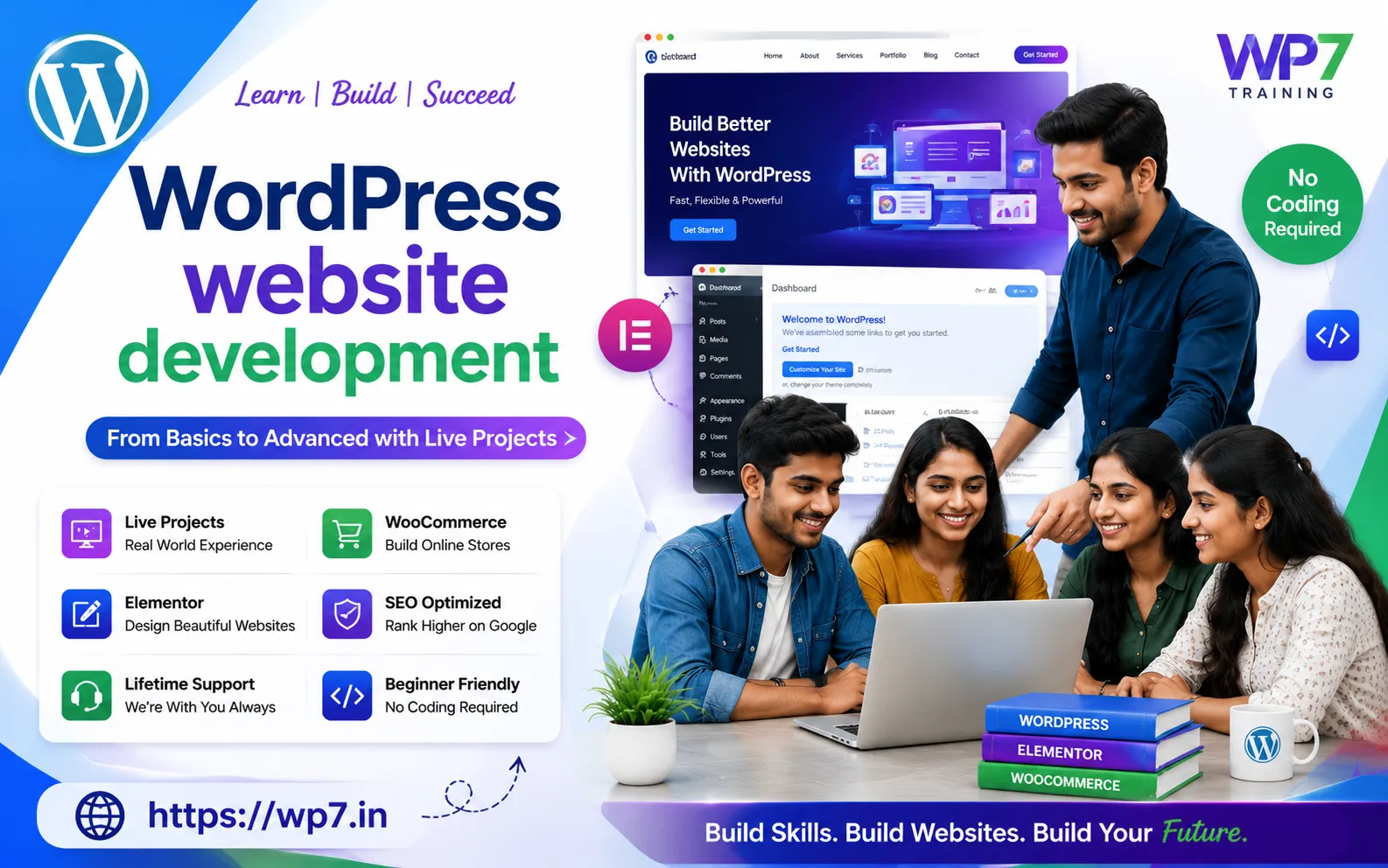
- One-to-One Personal Training
- Beginner Friendly
- No Coding Required
- Live Website Development
- Practical Assignments
- Latest WordPress Version
- Latest Elementor
- WooCommerce Projects
- SEO Training Included
- AI Tools for Website Development
- Premium Themes
- Premium Plugins
- Training Material
- Lifetime Support
- Interview Preparation
- Freelancing Guidance
Career Opportunities After WordPress Training
After completing the course, you can explore multiple career opportunities.
- WordPress Developer
- Web Designer
- SEO Executive
- Digital Marketing Executive
- Freelance Website Developer
- WooCommerce Developer
- Website Consultant
- Website Maintenance Expert
- Website Administrator
- Agency Owner
Why Choose WP7.IN?
- 18+ Years of Experience
- Industry Expert Trainer
- Project Based Learning
- Practical Sessions
- Easy-to-understand Teaching
- Latest AI Tools
- Latest WordPress Techniques
- Flexible Timings
- Online & Offline Classes
- Weekend Batches
- Individual Attention
- Affordable Fees
- Lifetime Learning Support
Some Related Pages About WordPress Learning
To build complete WordPress expertise, explore these learning resources:
- WordPress Training in Hyderabad
- WordPress Course Near Me
- Online WordPress Training
- Weekend WordPress Training
- WordPress Training for Beginners
- About Trainer
- Advanced WordPress Training
- WooCommerce Training
- WordPress SEO Training
- Elementor Training
- AI for WordPress
- WordPress Speed Optimization
- Contact Us
- One-To-One WordPress Training
- Learn WordPress in 8 Days
- WordPress Course in Hyderabad
- Freelancing with WordPress
FAQ’s
Yes. WordPress is beginner-friendly and requires no programming knowledge.
No. You can build professional websites without coding.
Yes. Every student builds real websites during training.
Absolutely. We also guide students on freelancing platforms and client projects.
Yes. Basic SEO, speed optimization, and AI-powered optimization techniques are included.
Start Your WordPress Journey Today
Don’t just learn theory—build real websites that showcase your skills. Whether you’re aiming for a new career, freelance income, or your own business website, our practical WordPress Training provides the confidence and experience you need.
Call Now: 9010 39 2034
Join Today and Build Your First Professional Website!
Learn. Build. Launch. Grow with WP7.IN