

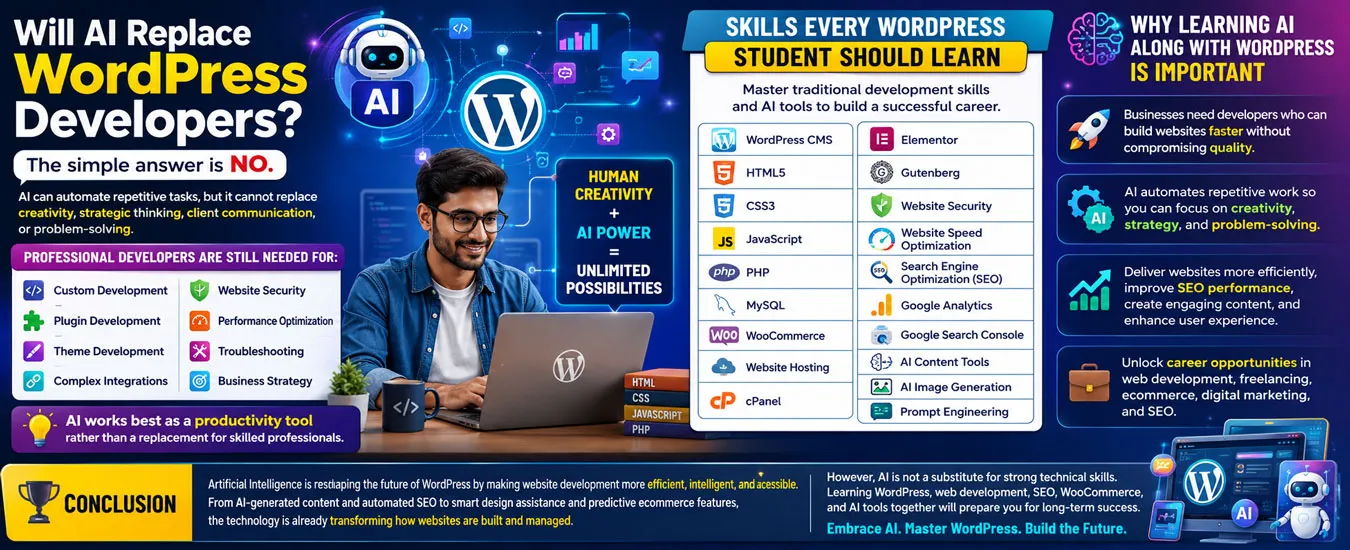
Will AI Replace WordPress Developers?
The short answer is No.
AI is best viewed as a productivity tool rather than a complete replacement for skilled professionals.
Businesses still need people who can:
- Understand client requirements
- Design user-friendly websites
- Build custom functionality
- Configure hosting
- Improve website performance
- Ensure security
- Optimize SEO
- Maintain websites over time
Developers who learn to use AI effectively are likely to be more productive than those who ignore it.
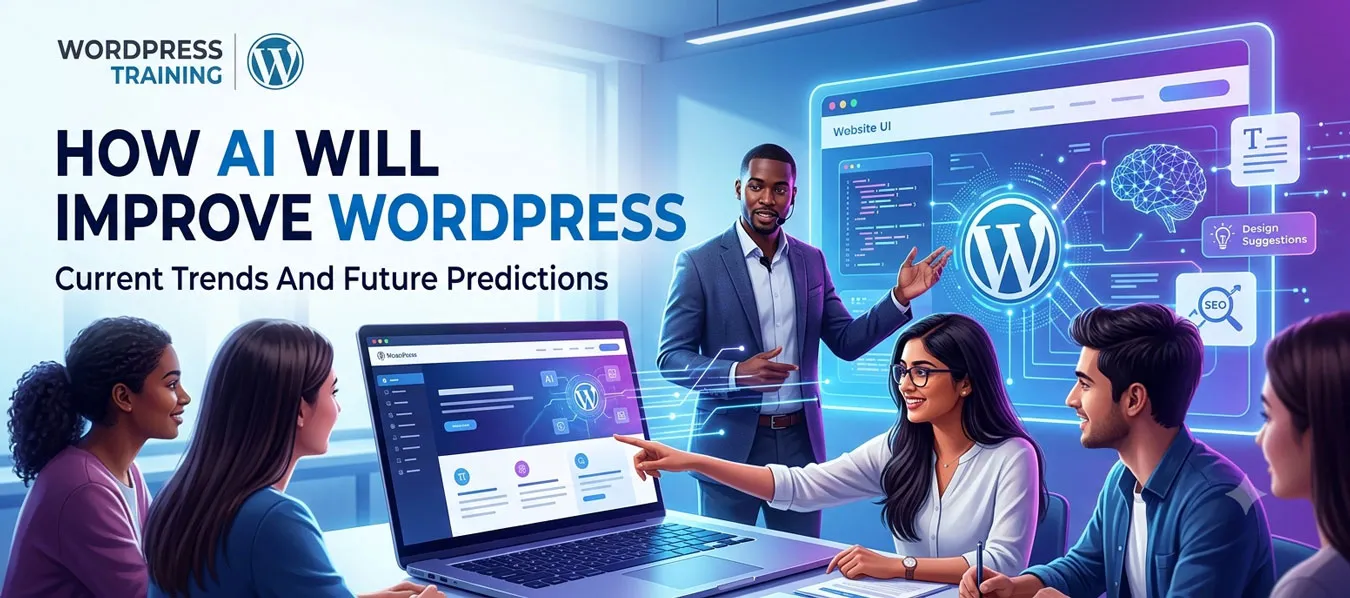
How AI Will Improve WordPress.
Current Trends and Future Predictions
Artificial Intelligence (AI) is rapidly changing the way websites are designed, developed, and managed. WordPress, which powers a significant share of websites worldwide, is also embracing AI through new tools, plugins, and platform improvements. Recent WordPress releases have introduced a shared AI infrastructure that allows plugins and themes to integrate AI capabilities more consistently, making AI-powered workflows increasingly accessible.
Whether you are a student, freelancer, business owner, or web developer, learning how AI works with WordPress is becoming an essential skill. AI is not replacing WordPress developers—it is changing how they work by automating repetitive tasks and allowing them to focus on creativity, customization, and solving business problems.
The Current State of AI in WordPress (2026)
Today, AI is already helping WordPress users with many tasks.
AI-Powered Content Creation.
AI can help generate:
- Blog posts
- Landing page content
- Product descriptions
- Headlines
- Meta titles
- Meta descriptions
- FAQs
Human review is still important to ensure accuracy, originality, and brand voice.
AI Website Design
Modern AI tools can assist with:
- Website layouts
- Color schemes
- Typography suggestions
- Homepage wireframes
- Landing page design
- Responsive layouts
AI speeds up the design process, while designers make the final creative decisions.
AI Coding Assistance
Developers now use AI to:
- Generate PHP code
- Write HTML/CSS
- Create JavaScript
- Build custom WordPress plugins
- Develop Gutenberg blocks
- Debug errors
- Explain existing code
This improves productivity but still requires programming knowledge for reviewing and maintaining the code.
AI SEO
AI helps optimize websites by suggesting:
- Keywords
- Meta tags
- Internal links
- Schema markup
- Image alt text
- Content structure
- Explain existing code
Successful SEO still depends on useful, original content and technical optimization.
AI Image Generation
AI can create:
- Featured images
- Website banners
- Icons
- Illustrations
- Social media graphics
AI Customer Support
Businesses increasingly use AI chatbots to:
- Answer common questions
- Capture leads
- Schedule appointments
- Provide product recommendations
- Offer 24/7 assistance
AI WooCommerce
AI can assist online stores with:
- Product descriptions
- Product recommendations
- Inventory insights
- Personalized shopping experiences
- Automated customer support
- Marketing content
How AI Will Improve WordPress in the Future
The next generation of WordPress is expected to make AI more deeply integrated into everyday workflows through a common AI infrastructure, enabling plugins to share capabilities rather than each building separate AI systems.
1. Prompt-Based Website Creation
You may simply type:
Create a restaurant website with online ordering.
WordPress could generate:
- Pages
- Menus
- Images
- Forms
- Navigation
- Initial content
which you can then customize.
2. AI Website Assistant
An AI assistant may be able to help users by:
- Finding settings
- Fixing broken links
- Recommending plugins
- Improving layouts
- Suggesting SEO improvements
3. Smarter Website Maintenance
AI could automate routine maintenance such as:
- Security monitoring
- Plugin compatibility checks
- Performance suggestions
- Backup reminders
- Error detection
While still keeping site owners in control.
4. AI Marketing Automation
AI will likely make it easier to:
- Write newsletters
- Create ad copy
- Generate social media posts
- Build marketing campaigns
- Analyze customer behavior
5. AI Voice-Based Website Editing
Instead of clicking through menus, users may be able to say:
Add a new product with these details.
The AI could complete much of the setup automatically.
6. AI-Powered Personalization
Future websites may display different content based on:
- Visitor interests
- Location
- Language
- Previous visits
- Shopping history
to create more relevant experiences.
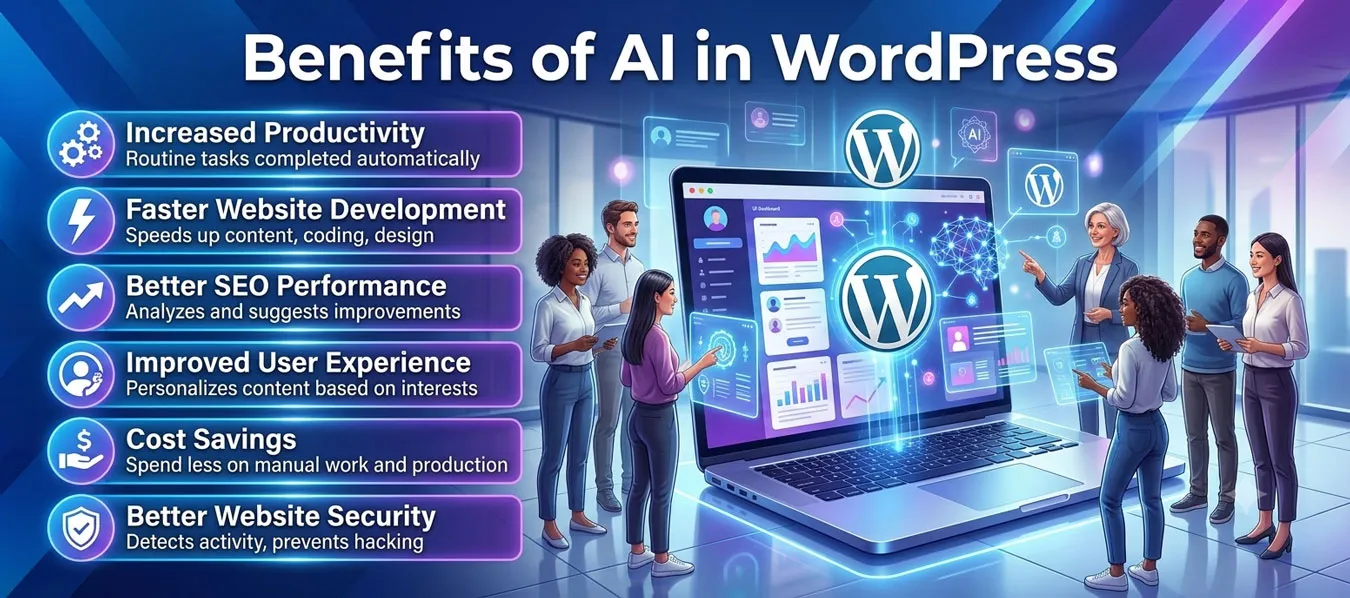
Benefits of AI in WordPress
AI provides numerous advantages for website owners and developers.
Increased Productivity
Routine tasks are completed automatically, allowing developers to focus on more important work.
Faster Website Development
AI speeds up content creation, coding, design, and optimization.
Better SEO Performance
AI continuously analyzes websites and suggests improvements that increase Google rankings.
Improved User Experience
AI personalizes content based on visitor interests and browsing behavior.
Cost Savings
Businesses spend less on repetitive manual work and content production.
Better Website Security
AI detects suspicious activity and helps prevent hacking attempts before damage occurs.
Skills Students Should Learn
If you want to build a successful career, focus on these skills
WordPress Fundamentals
- Installation
- Themes
- Plugins
- Gutenberg Editor
- Elementor
- Website Security
AI Tools
Learn to use AI for:
- Content creation
- Coding assistance
- Design ideas
- SEO
- Automation
Coding
Understanding these technologies remains valuable:
- HTML
- CSS
- JavaScript
- PHP
- SQL
AI can assist with code, but knowing how it works helps you verify and improve the results.
SEO
Learn:
- On-Page SEO
- Technical SEO
- Local SEO
- Schema Markup
- Content Strategy
WooCommerce
Build skills in:
- Online stores
- Payment gateways
- Shipping
- Inventory
- Product optimization
Digital Marketing
Study:
- Google Ads
- Social Media Marketing
- Email Marketing
- Content Marketing
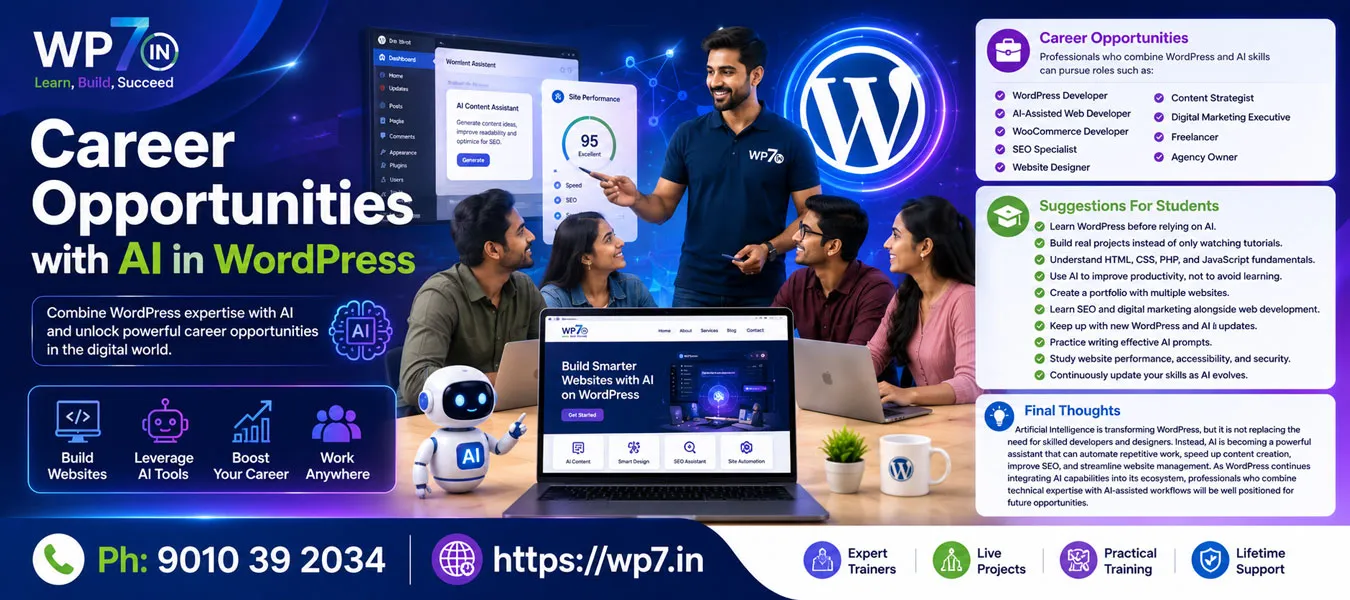
Career Opportunities with AI in WordPress
Professionals who combine WordPress and AI skills can pursue roles such as:
- WordPress Developer
- AI-Assisted Web Developer
- WooCommerce Developer
- SEO Specialist
- Website Designer
- Content Strategist
- Digital Marketing Executive
- Freelancer
- Agency Owner
Suggestions for Students
To prepare for the future:
- Learn WordPress before relying on AI.
- Build real projects instead of only watching tutorials.
- Understand HTML, CSS, PHP, and JavaScript fundamentals.
- Use AI to improve productivity, not to avoid learning.
- Create a portfolio with multiple websites.
- Learn SEO and digital marketing alongside web development.
- Keep up with new WordPress and AI updates.
- Practice writing effective AI prompts.
- Study website performance, accessibility, and security.
- Continuously update your skills as AI evolves.
Final Thoughts
Artificial Intelligence is transforming WordPress, but it is not replacing the need for skilled developers and designers. Instead, AI is becoming a powerful assistant that can automate repetitive work, speed up content creation, improve SEO, and streamline website management. As WordPress continues integrating AI capabilities into its ecosystem, professionals who combine technical expertise with AI-assisted workflows will be well positioned for future opportunities.