
Complete WordPress SEO Guide
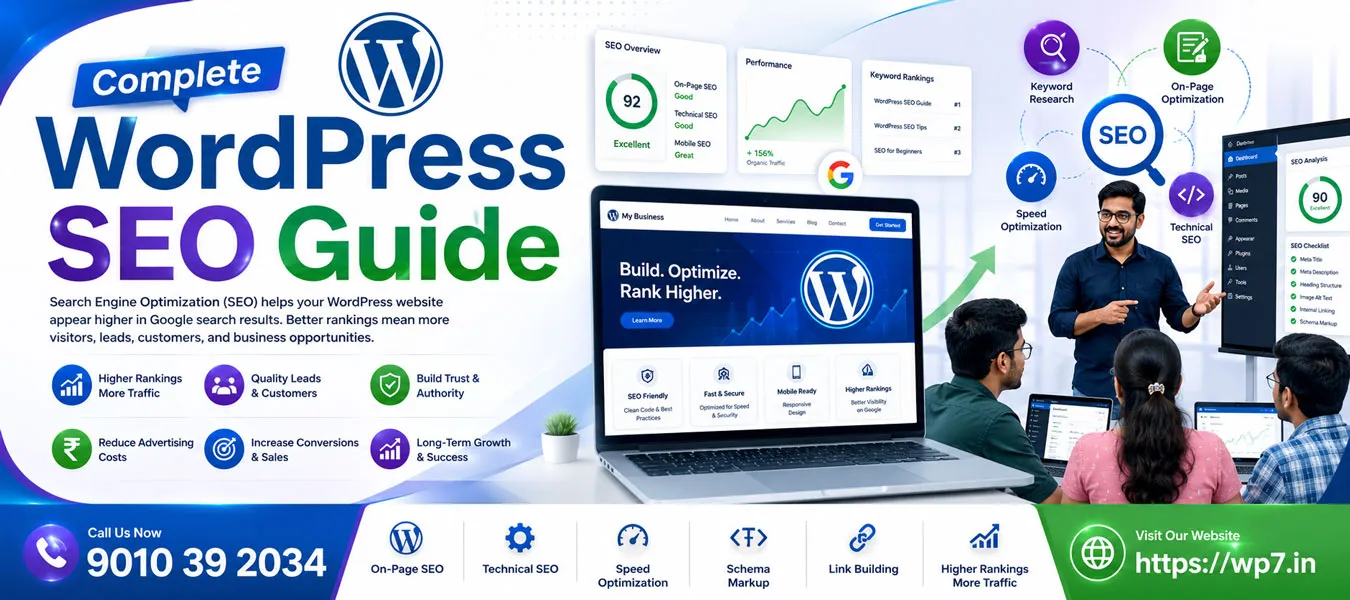
Search Engine Optimization (SEO) helps your WordPress website appear higher in Google search results. Better rankings mean more visitors, leads, customers, and business opportunities. Fortunately, WordPress is one of the most SEO-friendly platforms available. However, simply installing WordPress is not enough. You must optimize your website correctly to achieve long-term success.
This Complete WordPress SEO Guide explains everything beginners need to know. Whether you are a student, freelancer, blogger, business owner, or job seeker, this guide will help you build a strong SEO foundation.
Why SEO Matters for WordPress Websites
SEO increases your website’s visibility without paying for advertisements. Instead of relying only on social media or paid campaigns, organic traffic continues growing when your content ranks well.
Benefits of WordPress SEO
- Increase organic traffic
- Generate quality leads
- Improve website authority
- Build trust with visitors
- Reduce advertising costs
- Increase conversions and sales
Step 1: Choose the Right SEO-Friendly Theme
Your WordPress theme should be lightweight, responsive, and optimized for speed.
Look for Themes That Offer
- Mobile-friendly design
- Fast loading speed
- Clean HTML structure
- Schema support
- Accessibility features
A fast theme improves both user experience and search rankings.
Step 2: Install an SEO Plugin
An SEO plugin helps optimize your website without coding.
Popular WordPress SEO Plugins
- Rank Math SEO
- Yoast SEO
- All in One SEO
- SEOPress
These plugins help you optimize:
- Title tags
- Meta descriptions
- XML sitemaps
- Schema markup
- Social sharing
- Robots.txt
Step 3: Perform Keyword Research
Every page should target one primary keyword and several related keywords.
Example
Primary Keyword: WordPress SEO Guide</-p>
Related Keywords:
- WordPress SEO Tips
- SEO for Beginners
- How to Rank WordPress Website
- WordPress SEO Checklist
- Improve Google Ranking
Use keywords naturally throughout your content instead of stuffing them repeatedly.
Step 4: Optimize Every Page
SEO Checklist
- Include keyword in page title
- Add keyword in URL
- Write an engaging meta description
- Use H1 only once
- Use H2 and H3 headings
- Add internal links
- Add external authority links
- Optimize images
- Write original content
Step 5: Write High-Quality Content
Google rewards helpful, original, and informative content.
Content Best Practices
- Answer user questions
- Use short paragraphs
- Add bullet points
- Include examples
- Update articles regularly
- Use transition words naturally
Helpful content improves user engagement and increases your chances of ranking.
Step 6: Optimize Images
Images improve user experience but should also be optimized.
Image SEO Checklist
- Compress images
- Use WebP format
- Add descriptive filenames
- Write ALT text
- Lazy load images
- Use responsive image sizes
Optimized images improve loading speed and accessibility.
Step 7: Improve Website Speed
Page speed is a confirmed Google ranking factor.
Ways to Improve Speed
- Use quality hosting
- Enable caching
- Minify CSS and JavaScript
- Use a CDN
- Reduce plugin usage
- Optimize your database
Core Web Vitals to Monitor
- Largest Contentful Paint (LCP)
- Interaction to Next Paint (INP)
- Cumulative Layout Shift (CLS)
Step 8: Technical SEO Essentials
- Enable HTTPS
- Create XML Sitemap
- Submit Sitemap to Google Search Console
- Fix broken links
- Use canonical URLs
- Optimize Robots.txt
- Create a custom 404 page
Step 9: Internal Linking Strategy
Internal links help search engines understand your website structure while guiding visitors to related content.
Link to Related Pages
- WordPress Training
- WordPress for Beginners
- Elementor Training
- WooCommerce Training
- WordPress Speed Optimization
- WordPress Security Guide
- WordPress Hosting Guide
- AI for WordPress
Step 10: Add Schema Markup
Schema helps search engines understand your content better and can improve visibility with rich results.
Recommended Schema Types
- Article
- FAQ
- Breadcrumb
- Organization
- LocalBusiness
- Course
- WebSite
- Person
Common WordPress SEO Mistakes
- Keyword stuffing
- Duplicate content
- Ignoring mobile users
- Slow website speed
- Missing ALT text
- No internal links
- Poor URL structure
- Thin content
- Ignoring Search Console errors
WordPress SEO Checklist
- ✔ Install an SEO plugin
- ✔ Optimize page titles
- ✔ Write meta descriptions
- ✔ Research keywords
- ✔ Publish quality content
- ✔ Optimize images
- ✔ Improve page speed
- ✔ Add schema markup
- ✔ Build internal links
- ✔ Monitor Google Search Console
- ✔ Update old content regularly
Some Related Pages About WordPress Learning
To build complete WordPress expertise, explore these learning resources:
Final Thoughts
SEO is an ongoing process rather than a one-time task. By following this complete WordPress SEO guide, you can build a website that is fast, user-friendly, and optimized for search engines. Focus on creating valuable content, improving technical SEO, optimizing images, and maintaining a strong internal linking strategy. Over time, these efforts can lead to higher rankings, increased organic traffic, and better business results.
Start Learning WordPress SEO with WP7.IN
Want practical, hands-on WordPress SEO training? Join WP7.IN and learn how to build SEO-friendly WordPress websites from scratch. Our one-to-one training includes live projects, keyword research, on-page SEO, technical SEO, speed optimization, schema implementation, and AI-powered SEO techniques. Whether you’re a student, freelancer, business owner, or job seeker, you’ll gain the skills needed to improve rankings and grow your online presence.
Call: 9010 39 2034