

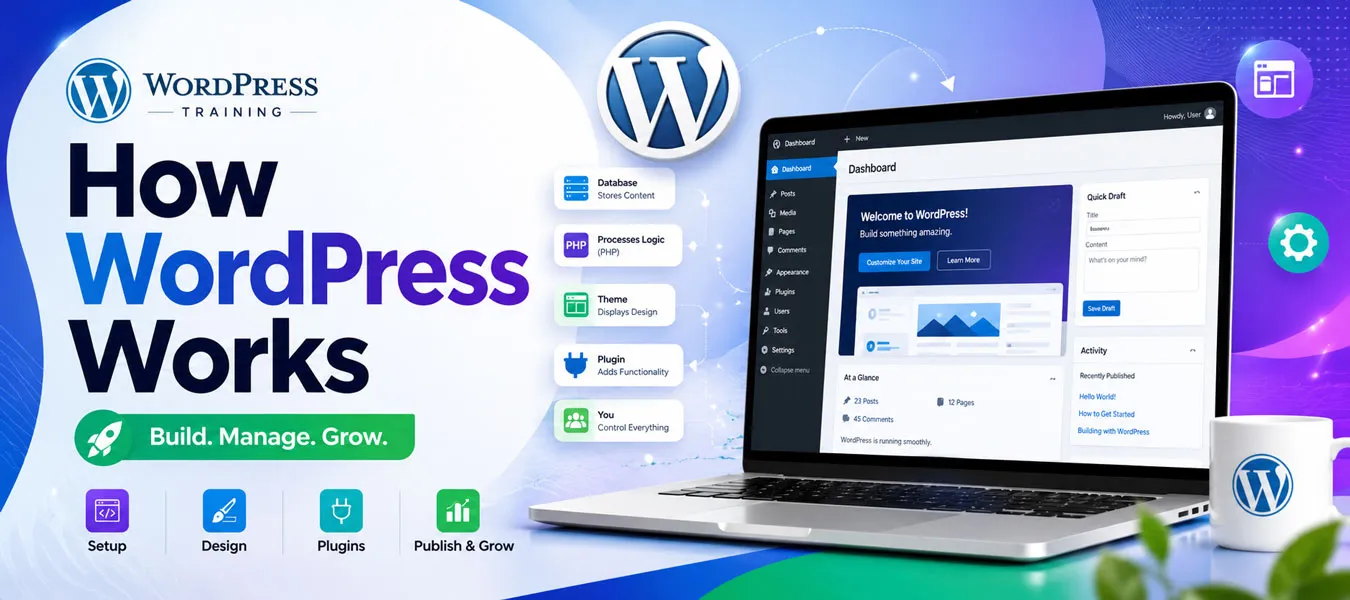
How WordPress Works
A Complete Beginner-Friendly Guide
WordPress is one of the most popular platforms for creating websites, blogs, business websites, portfolios, online stores, and many other types of websites. But how does WordPress actually work?
If you are a student, freelancer, business owner, blogger, or job seeker, understanding how WordPress works will help you build, manage, customize, and maintain websites with confidence. The good news is that you do not need advanced coding knowledge to get started.
In this beginner-friendly guide, you will learn how WordPress works, how WordPress websites are created, how themes and plugins work, how WordPress stores content, and how a visitor receives a webpage.
What Is WordPress?
WordPress is a content management system (CMS) used to create and manage websites. It provides an administration dashboard where website owners can create pages, publish posts, upload images, install themes, add plugins, and manage website settings.
Instead of building every webpage manually with HTML and CSS, WordPress provides tools that make website development and content management much easier.
What Can You Create With WordPress?
- Business websites
- Blogs and news websites
- Portfolio websites
- Educational websites
- Landing pages
- Membership websites
- Online stores
- Service websites
- Personal websites
- Job and career websites
How Does WordPress Work?
At a basic level, a WordPress website works by connecting several important components: web hosting, WordPress software, a database, themes, plugins, media files, and a web browser.
When a visitor enters your website address, the browser sends a request to your web server. WordPress processes that request, retrieves the required information, combines the content with the selected theme and functionality, and sends the resulting webpage back to the visitor’s browser.
Simple WordPress Working Process
- A visitor enters your website URL.
- The browser sends a request to the web server.
- The server runs the WordPress application.
- WordPress identifies the requested page or post.
- WordPress retrieves the required content from the database.
- The theme controls how the content is displayed.
- Plugins add additional functionality when required.
- The server generates the webpage.
- The browser displays the final webpage to the visitor.
Major Components of WordPress
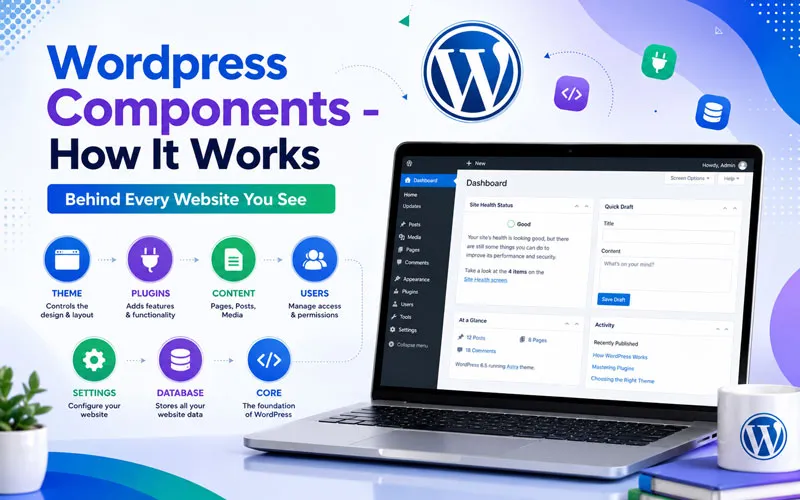 To understand how WordPress works, it is important to understand its major components.
1. Web Hosting
Web hosting is the server space where your WordPress website lives. Your WordPress files, database, images, themes, and plugins are stored on the hosting server.
When someone visits your domain, the hosting server delivers the required website resources to the visitor’s browser.
2. WordPress Core
WordPress Core is the main software that powers your website. It provides the basic functionality required to create and manage content, users, settings, media, pages, posts, comments, and more.
WordPress core can be extended through themes and plugins without modifying the core files directly.
3. Database
The WordPress database stores important website information. For example, posts, pages, users, settings, comments, and other structured content can be stored in the database.
When a visitor requests dynamic content, WordPress can retrieve the required information from the database and use it to generate the webpage.
Why Is the Database Important?
- Stores website content
- Stores user information
- Stores website settings
- Stores post and page information
- Helps WordPress generate dynamic content
4. WordPress Theme
A WordPress theme controls the visual presentation of your website. It influences the layout, typography, colors, navigation, headers, footers, templates, and overall design.
Therefore, you can change the appearance of a WordPress website by changing or customizing its theme without necessarily changing the website’s content.
5. WordPress Plugins
Plugins extend WordPress functionality. A plugin can add features that are not included in the basic WordPress installation.
- SEO functionality
- Contact forms
- Security features
- Website backups
- eCommerce functionality
- Performance optimization
- Analytics integration
- Membership functionality
For example, an eCommerce plugin can transform a standard WordPress website into an online store.
6. Media Library
The WordPress Media Library allows administrators to upload and manage images, videos, audio files, PDFs, and other media. These files can then be used inside pages, posts, products, and other website sections.
How WordPress Creates a Webpage
One of the most important concepts for beginners is understanding how WordPress generates a webpage.
Suppose a visitor opens your About Us page. The browser sends a request to your server. WordPress identifies the requested URL and determines which content needs to be displayed.
Next, WordPress retrieves the relevant content and uses the active theme to determine how that content should appear. Plugins may also modify or add functionality during this process.
Finally, the server sends the generated webpage to the visitor’s browser. The browser interprets the HTML, CSS, JavaScript, images, and other resources and displays the finished webpage.
How WordPress Dashboard Works
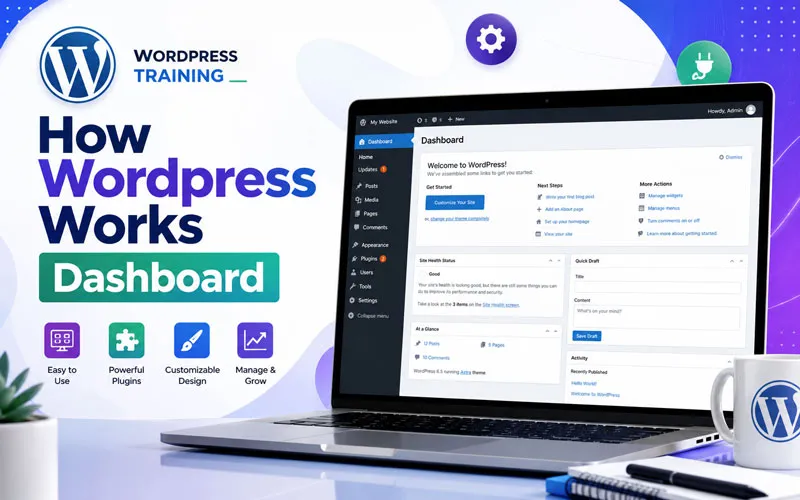 The WordPress Dashboard is the administration area used to manage a website.
Important Dashboard Sections
- Posts: Create and manage blog content.
- Pages: Create important website pages such as Home, About, Services, and Contact.
- Media: Manage uploaded images and other files.
- Comments: Manage visitor comments.
- Appearance: Manage themes, menus, widgets, and design-related settings.
- Plugins: Install, activate, deactivate, and manage plugins.
- Users: Manage website users and their roles.
- Settings: Configure important website settings.
How WordPress Themes and Plugins Work Together
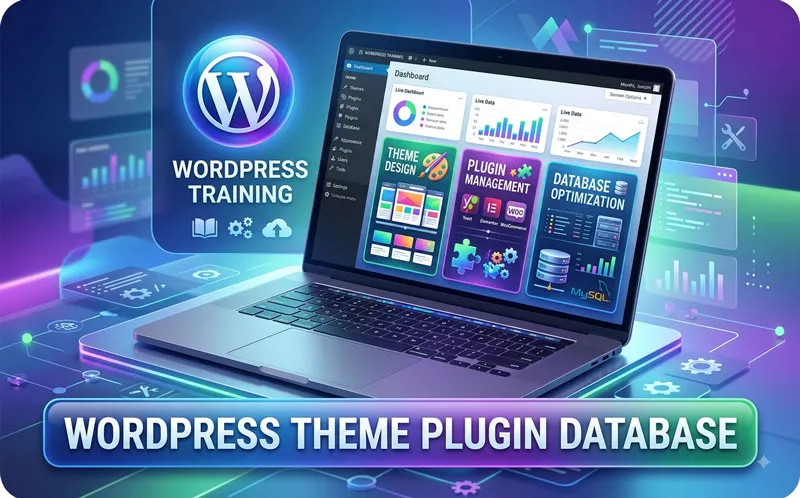 The theme and plugins have different responsibilities. Generally, the theme controls presentation, while plugins add or modify functionality.
For example, your theme may control how your product page looks, while an eCommerce plugin can provide products, shopping carts, checkout functionality, orders, and payment-related features.
As a result, WordPress becomes highly flexible because website owners can combine different themes and plugins according to their requirements.
How WordPress Works for SEO
WordPress provides a strong foundation for search engine optimization, but simply installing WordPress does not automatically guarantee higher Google rankings.
You still need to create useful content, optimize titles and headings, improve page speed, optimize images, create internal links, maintain technical SEO, and provide a good user experience.
Important WordPress SEO Activities
- Use descriptive SEO titles and meta descriptions.
- Create useful, search-focused content.
- Use logical H1, H2, H3, and H4 headings.
- Optimize images and use descriptive file names.
- Add relevant internal links.
- Improve website speed and Core Web Vitals.
- Use HTTPS and maintain website security.
- Create mobile-friendly pages.
- Use appropriate structured data where relevant.
Static vs Dynamic Websites in WordPress
A static website generally delivers predefined files, while a dynamic website can generate content based on database information, user actions, settings, and other conditions.
WordPress is commonly used for dynamic websites because it can retrieve content from a database and generate webpages based on requests.
For example, a WordPress blog can display different posts, categories, authors, comments, search results, and personalized functionality without manually creating a separate HTML file for every possible page.
Why Should You Learn How WordPress Works?
 Learning the basic working process of WordPress gives you more than the ability to click buttons inside the dashboard. It helps you understand what happens behind the scenes.
- Build websites more confidently.
- Troubleshoot common website problems.
- Understand themes and plugins.
- Manage hosting and website files.
- Understand databases and dynamic content.
- Improve website performance.
- Implement better SEO practices.
- Work more effectively as a freelancer or web professional.
How to Start Learning WordPress
If you are completely new to WordPress, start with the fundamentals. First, understand domains, hosting, WordPress installation, the dashboard, pages, posts, and the Media Library. Then learn themes, plugins, page builders, responsive design, SEO, security, backups, and website maintenance.
After learning the basics, the best approach is to build a real website project. Practical experience helps you understand how different WordPress components work together.
Recommended WordPress Learning Path
- Learn what WordPress is.
- Understand domains and hosting.
- Install WordPress.
- Learn the WordPress Dashboard.
- Create pages and posts.
- Learn themes and customization.
- Learn plugins.
- Build a responsive website.
- Learn WordPress SEO.
- Learn security, backups, and maintenance.
- Build and launch a live project.
Recommended Internal Links
- What Is WordPress?
- How WordPress Works
- WordPress Website Development
- WordPress Themes Explained
- WordPress Plugins Guide
- Complete WordPress SEO Guide
- WordPress Training in Hyderabad
Conclusion
Understanding how WordPress works is the first step toward becoming confident in WordPress website development. WordPress combines hosting, core software, databases, themes, plugins, media, and a browser to deliver a complete website experience.
Once you understand how these components work together, you can move from simply using WordPress to confidently building, customizing, optimizing, securing, and maintaining WordPress websites.
Start Your WordPress Training Today
Want to learn WordPress through practical, step-by-step training? WP7.IN provides WordPress training designed for students, freelancers, business owners, job seekers, and beginners.
Learn WordPress fundamentals, build a real website, work with themes and plugins, understand hosting, practice SEO, and develop practical skills you can use for your own website or freelance career.
Start learning WordPress today and turn your website ideas into real-world projects!