

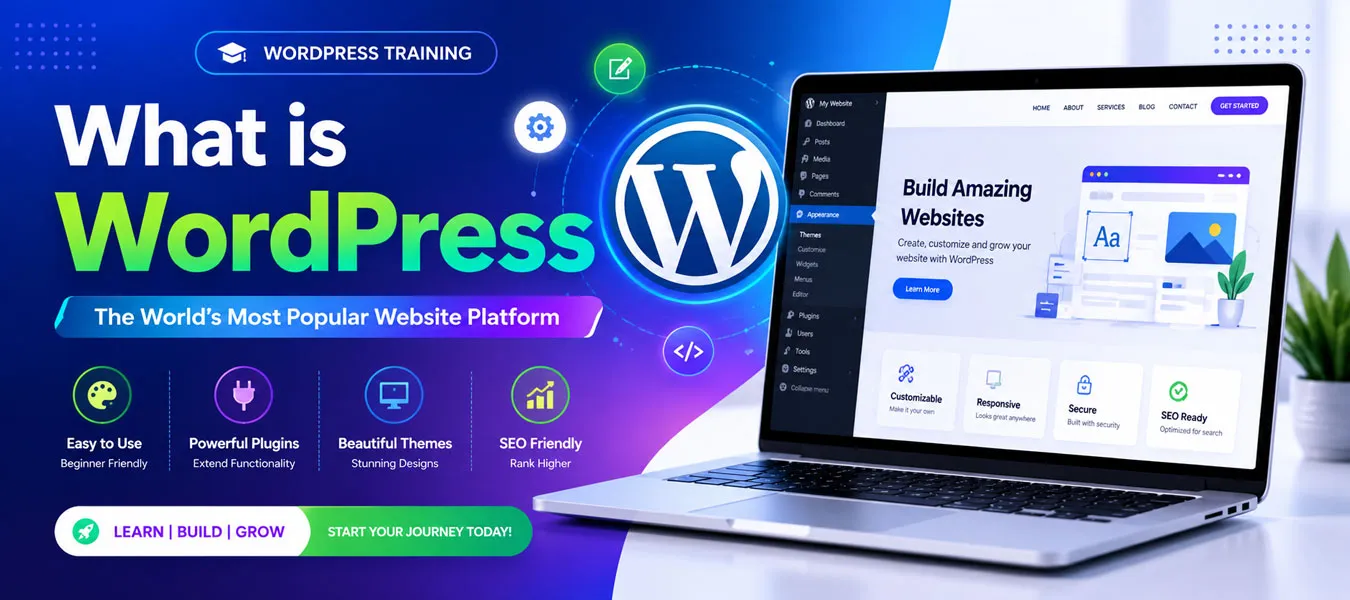
What Is WordPress? A Complete Beginner’s Guide
WordPress is one of the most popular platforms for creating websites and managing online content. Whether you want to build a personal blog, business website, portfolio, news website, educational website, or online store, WordPress provides the tools you need to get started.
More importantly, WordPress is beginner-friendly. You do not need to be an expert programmer to create and manage a professional website. With themes, plugins, a visual editor, and a powerful dashboard, you can build and maintain many types of websites.
In this guide, you will learn what WordPress is, how WordPress works, why it is popular, the difference between WordPress.com and WordPress.org, themes and plugins, its advantages, and how you can start learning WordPress.
What Is WordPress?
WordPress is a free and open-source Content Management System (CMS) used to create, manage, publish, and update website content.
A Content Management System allows you to manage website content without manually creating every webpage using code. For example, you can log in to the WordPress dashboard, create a page, add text and images, and publish it online.
WordPress was originally created as a blogging platform. However, over time, it developed into a complete website-building platform that can be used for many different purposes.
Simple Definition of WordPress
WordPress is a CMS that helps you create and manage websites without requiring advanced programming knowledge.
For beginners, this makes WordPress an excellent starting point for learning website development.
If you want to learn how to create professional websites, customize themes, manage plugins, and build real-world projects, our WordPress Training can help you develop practical WordPress skills step by step.
Why Is WordPress So Popular?
There are several reasons why WordPress has become popular among beginners, freelancers, businesses, bloggers, developers, and website owners.
- Easy to learn and use
- Free and open-source software
- Thousands of themes are available
- Thousands of plugins extend website functionality
- Suitable for different types of websites
- SEO-friendly structure
- Responsive website development is possible
- Large WordPress community
- Supports eCommerce websites
- Can be customized according to business requirements
Therefore, WordPress can be useful for both beginners and experienced website professionals.
What Can You Create With WordPress?
One of the biggest advantages of WordPress is its flexibility. You can use it to create many different types of websites.
1. Business Websites
Companies can use WordPress to create websites that showcase their services, products, company information, contact details, and customer resources.
2. Blogs
WordPress started as a blogging platform, so it remains an excellent choice for bloggers and content creators.
3. Portfolio Websites
Designers, photographers, developers, writers, and freelancers can create portfolio websites to showcase their work and skills.
4. Educational Websites
Teachers, trainers, coaches, and educational organizations can use WordPress to publish courses, lessons, tutorials, and learning resources.
5. eCommerce Websites
With suitable eCommerce plugins, WordPress can be used to create online stores where businesses can display products and accept online orders.
6. News and Magazine Websites
Publishers can use WordPress to manage large amounts of articles, categories, authors, images, and other content.
How Does WordPress Work?
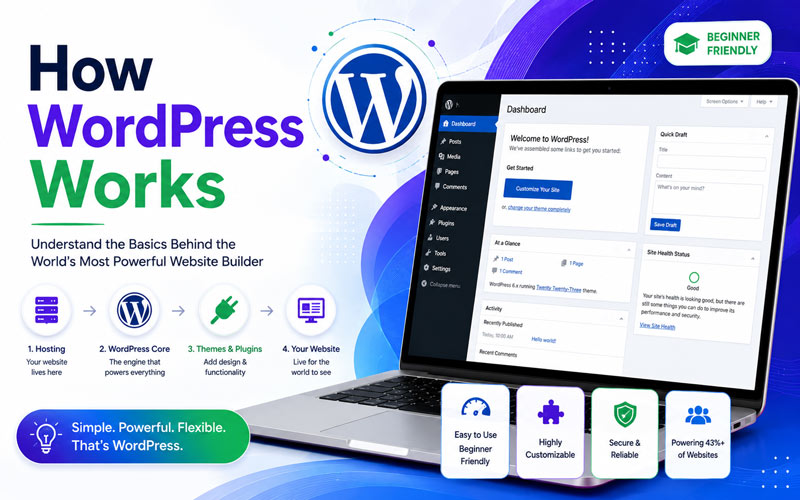
Understanding how WordPress works is important for beginners. Although WordPress makes website creation easier, several components work together behind the scenes.
Step 1: Domain Name
A domain name is the web address people use to visit your website. For example, your website might have a domain such as example.com.
Step 2: Web Hosting
Web hosting provides the server space where your WordPress website files and database are stored.
Step 3: WordPress Installation
WordPress is installed on your hosting server. Many hosting companies provide tools that make the installation process simple.
Step 4: WordPress Dashboard
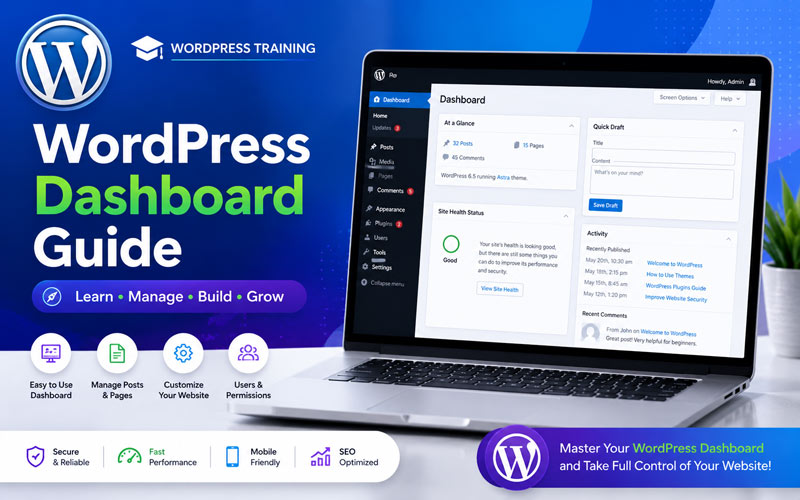
After installation, you can log in to the WordPress administration dashboard. From the dashboard, you can manage pages, posts, media, users, themes, plugins, settings, and other website features.
Step 5: Theme
A WordPress theme controls the visual appearance and layout of your website.
Step 6: Plugins
Plugins add extra functionality to your WordPress website. For example, plugins can provide contact forms, SEO tools, security features, backups, eCommerce functionality, and much more.
Simple WordPress Workflow
- Choose a domain name
- Purchase web hosting
- Install WordPress
- Choose a theme
- Install required plugins
- Create pages and content
- Optimize the website
- Publish the website
- Maintain and update the website
What Is a WordPress Theme?
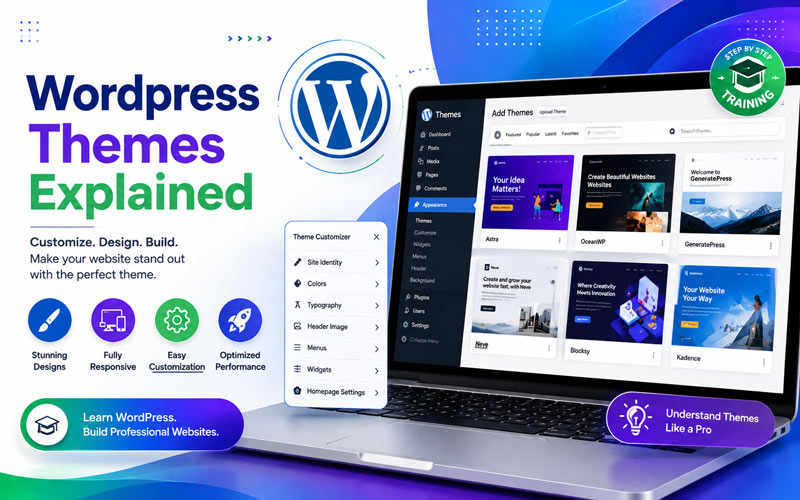
A WordPress theme controls the design and appearance of a website.
It can influence elements such as colors, typography, layouts, navigation menus, headers, footers, blog layouts, and other visual components.
For example, if you want to create a professional business website, you can select a suitable business theme and customize it according to your brand.
Why Are WordPress Themes Important?
- Control website appearance
- Provide ready-made layouts
- Reduce development time
- Support responsive design
- Can be customized
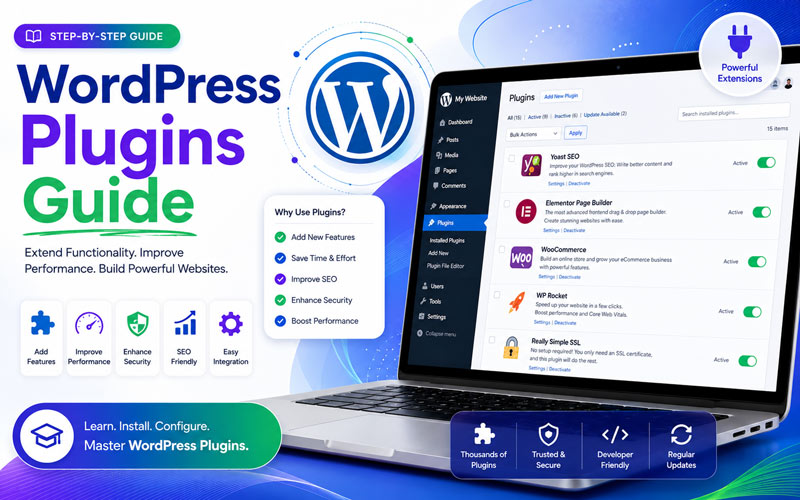
What Is a WordPress Plugin?
A WordPress plugin is software that adds or extends functionality on a WordPress website.
Instead of developing every feature from scratch, you can install an appropriate plugin to add specific functionality.
Examples of Plugin Functions
- SEO optimization
- Contact forms
- Website security
- Backup management
- Image optimization
- eCommerce functionality
- Performance optimization
- Analytics integration
- Membership functionality
However, plugins should be selected carefully. Too many unnecessary plugins can make website management more difficult and may affect performance or security.
WordPress.com vs WordPress.org
Beginners often confuse WordPress.com and WordPress.org. Although both are related to WordPress, they provide different experiences.
WordPress.com
WordPress.com is a hosted service. The hosting environment and many technical aspects are managed as part of the service.
WordPress.org
WordPress.org provides the WordPress software that you can download and install on your own web hosting account.
With a self-hosted WordPress website, you generally have greater control over themes, plugins, customization, hosting, and website management.
Which One Should Beginners Learn?
If your goal is to learn professional WordPress website development, freelancing, business website creation, SEO, or client website management, learning self-hosted WordPress is highly useful.
Is WordPress Easy to Learn?
Yes. WordPress is considered beginner-friendly, especially for people who are new to website development.
You can start by learning the WordPress dashboard, pages, posts, media, menus, themes, plugins, and basic website settings. After that, you can gradually learn more advanced topics such as SEO, performance optimization, security, backups, hosting, and eCommerce.
Importantly, you do not need to learn everything at once.
Basic WordPress Learning Path
- Learn what WordPress is
- Understand domains and hosting
- Install WordPress
- Learn the WordPress dashboard
- Learn pages and posts
- Learn the Media Library
- Learn themes and customization
- Learn plugins
- Learn website navigation and menus
- Learn basic SEO
- Learn security and backups
- Build a live website
Do You Need Coding Knowledge to Learn WordPress?
No, you do not need advanced coding knowledge to start learning WordPress.
Many WordPress websites can be created using visual editors, themes, plugins, and the WordPress dashboard.
However, learning basic HTML, CSS, JavaScript, PHP, and database concepts can be valuable as you progress. These skills become especially useful when you want to customize themes, develop plugins, troubleshoot technical problems, or become an advanced WordPress developer.
Is WordPress Good for SEO?
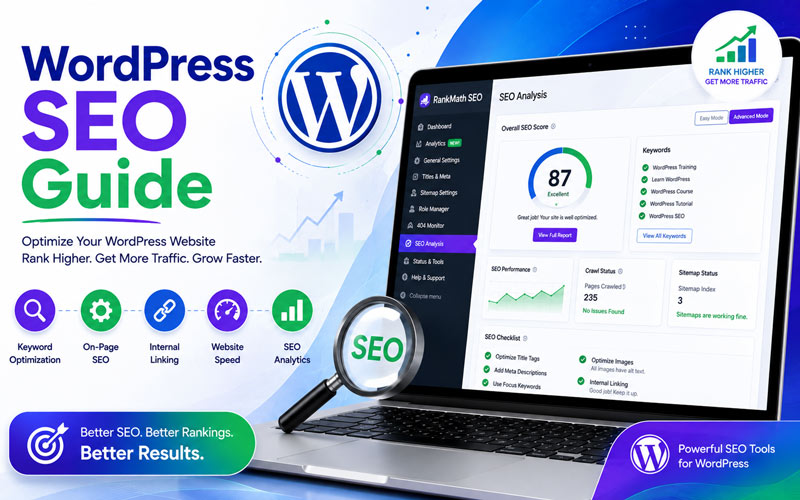
WordPress provides a strong foundation for SEO. However, simply installing WordPress does not automatically make a website rank at the top of Google.
Good SEO requires quality content, proper keyword targeting, technical optimization, website performance, internal linking, backlinks, good user experience, and regular content updates.
Important WordPress SEO Areas
- SEO-friendly URLs
- Page titles and meta descriptions
- Heading structure
- Image optimization
- Internal linking
- Mobile-friendly design
- Website speed
- XML sitemap
- Structured data
- High-quality content
Advantages of WordPress
1. Beginner-Friendly
WordPress provides an easy-to-use dashboard that allows beginners to manage website content.
2. Flexible
WordPress can be used for blogs, business websites, portfolios, educational websites, online stores, and many other projects.
3. Customizable
Themes, plugins, blocks, page builders, and custom development provide many customization options.
4. Cost-Effective
The WordPress software itself is free. However, you may need to pay for domain registration, hosting, premium themes, plugins, development, or other services depending on your website requirements.
5. Large Community
Because WordPress is widely used, there are many tutorials, documentation resources, developers, designers, plugins, themes, and learning communities available.
Who Should Learn WordPress?
WordPress can be useful for many types of learners and professionals.
- Students: Learn website creation and develop practical digital skills.
- Freelancers: Create websites for clients and offer WordPress services.
- Business Owners: Build and manage a professional business website.
- Job Seekers: Develop WordPress skills for web-related career opportunities.
- Blogger: Publish and manage content online.
- Digital Marketers: Build landing pages and manage SEO content.
- Entrepreneurs: Launch websites and online businesses.
What Should You Learn After Understanding WordPress?
Once you understand the basics, you can move into practical website development.
Recommended Next Topics
- WordPress Dashboard
- WordPress Pages and Posts
- Media Library
- WordPress Themes
- WordPress Plugins
- Elementor and visual page builders
- Domain and Web Hosting
- WordPress Security
- WordPress Backup
- WordPress SEO
- Website Speed Optimization
- WooCommerce
- WordPress Troubleshooting
- Basic HTML and CSS
- WordPress customization
Learn WordPress Through Practical Training
Reading about WordPress is a good first step. However, the best way to understand WordPress is to build a real website and practice each step yourself.
For students, freelancers, job seekers, and business owners who want hands-on experience in website development, WordPress Training in Hyderabad offers an opportunity to learn WordPress fundamentals and practice building professional websites.
At WP7.IN, WordPress training is designed for beginners, students, freelancers, business owners, bloggers, and job seekers who want practical experience.
What You Can Learn
- WordPress fundamentals
- Domain and hosting setup
- WordPress installation
- Dashboard management
- Pages and posts
- Themes and plugins
- Website design and customization
- SEO fundamentals
- Security and backups
- eCommerce website development
- Live project development
Build Your WordPress Skills Step by Step
You do not have to become a programmer before learning WordPress. Start with the fundamentals, practice by building a website, and then gradually move toward advanced WordPress development, SEO, performance, security, and eCommerce.
Conclusion: What Is WordPress?
In simple terms, WordPress is a powerful Content Management System that allows you to create, manage, and grow websites. It is beginner-friendly, flexible, customizable, and suitable for individuals and businesses of different sizes.
Whether you want to become a freelancer, create a business website, start blogging, build an online store, or develop professional web skills, WordPress can be a practical technology to learn.
The next step is simple: learn the basics, practice them on a real website, and gradually develop advanced WordPress skills.
Ready to Learn WordPress?
Start learning WordPress by building a real website instead of only reading about it.
If you are a student, freelancer, business owner, blogger, or job seeker and want practical WordPress skills, explore WordPress Training at WP7.IN and take the next step toward building professional websites.
Learn WordPress with WP7.IN and start building your WordPress skills today.
FAQ’s
WordPress is used to create blogs, business websites, portfolios, educational websites, news websites, online stores, and many other types of websites.
WordPress is free and open-source software. However, you may need to pay for domain registration and web hosting when creating a self-hosted website.
Yes. WordPress is beginner-friendly, and you can create and manage many websites without advanced programming knowledge.
Yes. WordPress can be used to create online stores by adding suitable eCommerce functionality such as WooCommerce.
Yes. You can learn the fundamentals and create many types of websites without advanced coding. However, basic HTML, CSS, JavaScript, PHP, and database knowledge can help you progress to advanced development.
The time required depends on your goals and practice. Beginners can learn the fundamentals relatively quickly, while advanced WordPress development, SEO, security, performance, and eCommerce require additional practice.