

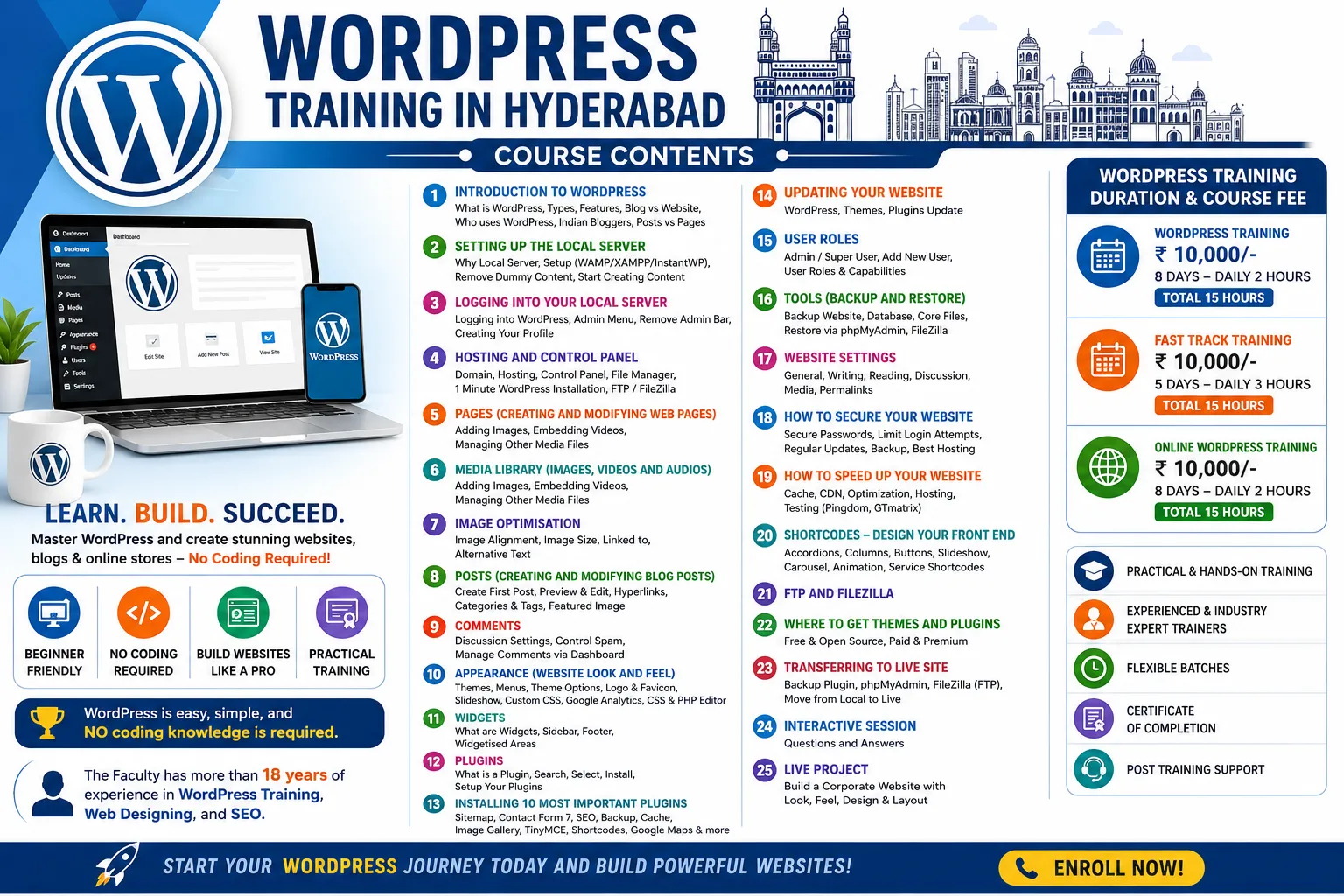
WORDPRESS TRAINING IN HYDERABAD
Course Contents
You are in WordPress Training In Hyderabad Course Contents page, read complete details till the end of this page
1. Introduction To WordPress
- What is WordPress
- Different types of wordpress (Free vs Paid)
- Features Comparison of WordPress.com and WordPress.org
- Difference between a blog and website.
- Who uses wordpress
- Indian Bloggers
- Posts Vs Pages
2. Setting Up The Local Server
- Why Local Server
- Setup your Local Server (WAMP/XAMPP/InstantWP)
- Brief Introduction of your Local Server
- Removing all Dummy Content (Posts, Pages, Links, Widgets and Plugins)
- Start creating your new content
3. Logging into your Local Server
- Logging into wordpress
- Admin Menu
- How to remove admin bar
- Creating your profile
4. Hosting and Control Panel
- Domain Selection
- Web Server / Hosting
- Control Panel Explanation
- File Manager
- Multi Hosting Account
- 1 Minute WordPress Installation
- FTP / FileZilla
5. Pages (Creating and Modifying Web Pages)
- Adding images to pages and posts
- Embedding videos into pages and posts
- Managing other media files
6. Media Library (Images, Videos and Audios)
- Adding images to pages and posts
- Embedding videos into pages and posts
- Managing other media files
7. Image Optimisation
- Image alignment
- Image size
- linked to
- Alternative Text
8. Posts (Creating and Modifying Blog Posts)
- Creating your first post
- Previewing and Editing Posts
- Adding Hyperlinks
- Creating and Using Categories and Tags
- Featured Image and It’s Significance
9. Comments
- Discussion settings
- How to control comment spam
- Managing comments through Dashboard
10. Appearance (Website Look and Feel)
- What is a theme
- Installing and Activating a New Theme
- Live Preview of your installed theme
- Setting up your new Theme
- Creating different types of custom menus
- Theme Options
- How to upload your logo and favicon
- How to create and manage a slideshow with images
- Enabling and disabling different menus
- Enabling and disabling footer widget area
- How to add Custom CSS
- Adding Google Analytics Code
- Custom CSS
- CSS and PHP Editor
11. Widgets
- What are widgets
- Installing widgets in sidebar
- Installing widgets in footer
- What are widgetised areas
12. Plugins
- What is a plugin
- Searching for plugins
- Different criteria for selecting plugins
- Installing a plugin
- Setting up your plugins
13. Installing 10 Most Important Plugins
- Google Sitemap Generator
- Contact Form 7
- Grunion Contact Form
- All-in-one SEO pack
- WP Database Backup
- WP Super Cache
- RPS Image Gallery
- TinyMCE Editor
- Short Codes
- Google Maps
14. Updating Your Website
- WordPress Software Update
- WordPress Themes Update
- WordPress Plugins Update
15. User Roles
- Admin / Super User
- Adding a New User
- User Roles and their Capabilities
16. Tools (Backup and Restore)
- Backup your website
- How to backup your website database
- How to backup wordpress core files backup)
- Restore your website
- Restoring a database with PHPMyAdmin
- Transferring files with Filezilla
17. Website Settings
- General
- Writing
- Reading
- Discussion
- Media
- Permalinks
18. How To Secure Your Website
- Use Secure Passwords
- Limit Login Attempts
- Update WordPress regularly
- Back up your site regularly
- Choose the best web host
19. How To Speed Up Your Website
- Cache
- WP Super Cache
- W3 Total Cache
- CDN
- Cloudflare
- MaxCDN
- Optimization
- Image
- Database
- Hosting
- Shared
- Dedicated
- VPN
- Cloud
- Testing
- Pingdom
- GTmatrix
20. Shortcodes – Design Your Front End
- Accordions / Spoilers
- 2 or 3 Column Content
- Clickable Buttons
- Rotating Slideshow
- Image Carousel
- Animation
- Different Size & Coloured Buttons
- Service Short-Codes etc.
21. FTP and Filezilla
22. Where To Get Themes and Plugins
- Free and Open Source
- Paid and Premium
23. Transferring your locally developed website to online with the help of FileZilla (FTP)
- Plugin Used for WordPress Database Backup
- phpmyadmin
- FileZilla
24. Interactive Session (Questions and Answers)
25. Live Project (Build a Corporate Website with Look, Feel, Design and Layout)
WordPress Training Duration & Course Fee
WordPress Training – Rs. 10,000/- – 8 Days – Daily 2 Hours – Total 15 Hours
Fast Track Training – Rs. 10,000/- – 5 Days – Daily 3 Hours – Total 15 Hours
Online WordPress Training – Rs. 10,000/- – 8 Days – Daily 2 Hours – Total 15 Hours
WordPress is easy, simple, and NO coding knowledge is required.
WordPress Training in Hyderabad is all about “Inspiring Others To Make Their Own Website.“
The Faculty has more than 18 years of experience in WordPress Training, Web Designing, and SEO.