

Static Website vs Dynamic Website
Complete Beginner’s Guide
When you plan to create a website, one of the first decisions is choosing between a static website and a dynamic website. Although both types can look professional and provide information to visitors, they work differently behind the scenes.
Understanding the difference between a static website and a dynamic website is important for students, freelancers, business owners, bloggers, and anyone who wants to learn website development. In this guide, you will learn what static and dynamic websites are, how they work, their advantages and disadvantages, SEO considerations, performance, security, cost, and which option is suitable for different projects.
What Is a Static Website?
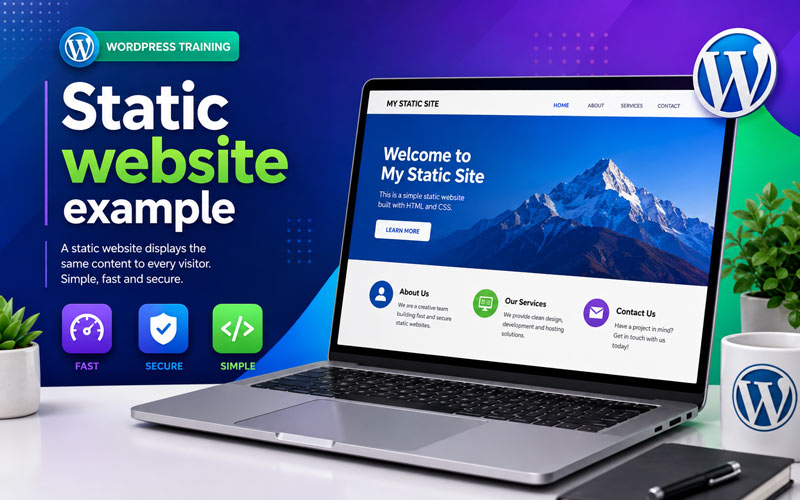 A static website is a website where web pages are usually created using files such as HTML, CSS, and JavaScript. The content displayed to visitors generally remains the same unless someone manually changes the website files.
For example, a small business website containing Home, About Us, Services, and Contact pages can be created as a static website. When a visitor opens a page, the server delivers the prepared files to the browser.
How Does a Static Website Work?
The process is relatively simple:
- The website developer creates HTML, CSS, and JavaScript files.
- The files are uploaded to a web server.
- A visitor enters the website address.
- The server sends the requested files to the browser.
- The browser displays the website.
Therefore, static websites are generally simple, fast, and easy to host.
What Is a Dynamic Website?
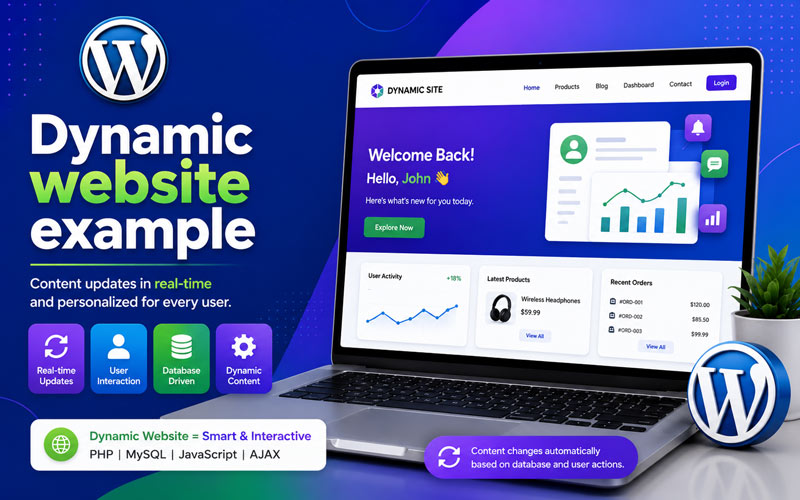 A dynamic website generates or retrieves content based on user requests, databases, applications, or other backend systems. The content can change without manually editing every individual web page file.
Popular platforms such as WordPress can be used to create dynamic websites. For example, when you publish a new blog post in WordPress, the website can automatically display that post on the blog page, category pages, search results, and other relevant areas.</p<>
How Does a Dynamic Website Work?
A typical dynamic website works through several components:
- The visitor requests a web page.
- The web server processes the request.
- The application or CMS processes the required information.
- The website may retrieve information from a database.
- The server generates the required page.
- The browser displays the final result to the visitor.
Consequently, dynamic websites are more suitable for websites that require frequent content updates, user accounts, databases, online stores, or interactive features.
Static Website vs Dynamic Website: Key Differences
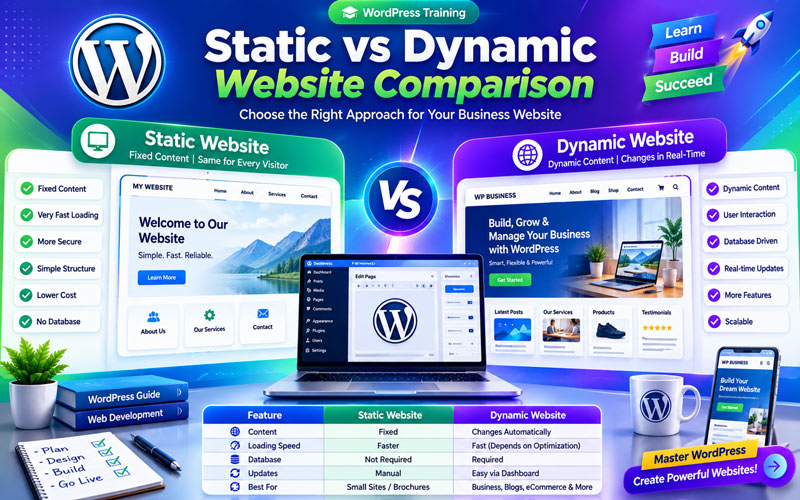
| Feature | Static Website | Dynamic Website |
|---|---|---|
| Content | Mostly fixed | Can change dynamically |
| Technology | HTML, CSS, JavaScript | CMS, server-side programming, databases, APIs |
| Database | Usually not required | Often used |
| Performance | Usually very fast | Depends on hosting, database, plugins, code, and optimization |
| Updates | Often require manual file changes | Usually easier through a CMS or application |
| Scalability | Best for simpler websites | Better for complex and expanding websites |
| Interactivity | Limited | Advanced interactive features are possible |
| Maintenance | Generally simple | May require regular maintenance |
Advantages of Static Websites
1. Fast Loading
Static pages can load quickly because the server generally delivers pre-built files instead of generating complex content for every request.
2. Simple Hosting
Many static websites require fewer server resources. Therefore, hosting can be simple and cost-effective.
3. Good Security Potential
Because a basic static website may not require a database or server-side application, it can have a smaller attack surface. However, proper security is still important.
4. Easy to Maintain for Small Websites
If a website contains only a few pages and changes rarely, a static structure can be practical.
Disadvantages of Static Websites
- Frequent content updates can require technical knowledge.
- Managing hundreds of pages can become difficult.
- Advanced user functionality is more complicated to implement.
- Database-driven features are not naturally available.
- Large content websites may require additional development tools.
Advantages of Dynamic Websites
1. Easy Content Management
A CMS such as WordPress allows users to add and update content through an administration dashboard without manually editing every HTML file.
2. Powerful Functionality
Dynamic websites can support user registration, search systems, comments, eCommerce, memberships, booking systems, dashboards, and many other features.
3. Database Integration
Dynamic websites can store and retrieve information from databases. This makes them suitable for websites with large amounts of frequently changing content.
4. Better Scalability
For growing businesses and content websites, dynamic systems can make it easier to add new pages, products, users, categories, and functionality.
Disadvantages of Dynamic Websites
- They can require more server resources.
- They may need regular software, plugin, and security updates.
- Poorly optimized databases or plugins can affect performance.
- Development and maintenance can be more complex.
- Security requires careful management of the CMS, plugins, themes, hosting, and user accounts.
Static Website vs Dynamic Website for SEO
Both static and dynamic websites can perform well in search engines. The website type alone does not guarantee higher rankings.
Instead, SEO performance depends on factors such as content quality, search intent, page experience, website speed, mobile responsiveness, technical SEO, internal linking, structured data, backlinks, crawlability, and website security.
For example, a dynamic WordPress website can be highly SEO-friendly when it is properly configured and optimized. Similarly, a well-built static website can also achieve strong search visibility.
Important SEO Factors for Both Websites
- Use descriptive page titles and meta descriptions.
- Create helpful, original content.
- Optimize images and use descriptive ALT text.
- Make pages mobile-friendly.
- Improve Core Web Vitals and loading performance.
- Use a logical URL structure.
- Create useful internal links.
- Use appropriate structured data where applicable.
- Create XML sitemaps and maintain crawlability.
Static Website vs Dynamic Website: Which Is Better?
There is no single answer because the right choice depends on your website requirements.
Choose a Static Website If:
- You need a small informational website.
- Your content rarely changes.
- You want a simple and lightweight website.
- You do not need user accounts or complex database functionality.
- You have development knowledge or access to a developer.
Choose a Dynamic Website If:
- You regularly publish articles or other content.
- You need an easy content management system.
- You want an online store.
- You need membership or user accounts.
- You need forms, bookings, search, dashboards, or other interactive features.
- You expect the website to grow over time.
Is WordPress a Static or Dynamic Website Platform?
WordPress is primarily a dynamic content management system. A typical WordPress website uses a database to store content, settings, users, and other information. When visitors request pages, WordPress processes the request and generates the appropriate content.
However, WordPress websites can also use caching and other technologies to deliver pages more efficiently. In some situations, WordPress content can even be used with static site generation or headless architectures.
For beginners, WordPress is particularly useful because it provides a visual dashboard for creating pages, publishing posts, managing media, installing themes, and extending functionality through plugins.
Static vs Dynamic Website: Simple Example
Imagine a small restaurant website with only five pages that rarely change. A static website may be sufficient.
Now imagine an eCommerce website with hundreds of products, customer accounts, shopping carts, payments, orders, product categories, and frequently changing inventory. A dynamic website is much more suitable because it needs databases and application functionality.
Recommended Internal Links
FAQ’s
A static website generally serves pre-built pages, while a dynamic website can generate content using applications, databases, CMS platforms, or other backend systems.
Static websites can be very fast because they typically serve pre-built files. However, a well-optimized dynamic website can also provide excellent performance.
WordPress is primarily a dynamic CMS because it commonly uses a database and server-side processing to manage and deliver website content.
Neither type automatically wins for SEO. A well-optimized website with useful content, strong technical SEO, good performance, mobile usability, and a positive user experience can rank effectively.
For beginners who want to create and manage content without coding every page, a CMS such as WordPress is generally easier than manually maintaining a static website.
Learn WordPress Website Development
Understanding static website vs dynamic website is an important first step in learning website development. Once you understand how websites work, you can move on to domains, hosting, WordPress installation, themes, plugins, pages, posts, website design, SEO, security, backups, and performance optimization.
If you want practical experience, WordPress training can help you learn how to plan, build, customize, optimize, and maintain professional websites step by step.
Build Your WordPress Skills with Practical Training
Learn WordPress through practical website development, real projects, themes, plugins, SEO, hosting, and website management. Whether you are a student, freelancer, business owner, or job seeker, practical WordPress skills can help you create websites and develop valuable digital skills.
Ready to learn WordPress and build your own professional website? Start your WordPress training today and move from learning the basics to building a real website.
Conclusion
The difference between a static website and a dynamic website mainly comes down to how content is stored, processed, and delivered. Static websites are excellent for simple, lightweight projects, while dynamic websites are better suited to content-rich, interactive, and growing websites.
For learners and businesses that need an easy-to-manage website with powerful functionality, WordPress is a practical dynamic website platform. By learning WordPress website development, SEO, themes, plugins, hosting, security, and performance optimization, you can build and manage professional websites for yourself or your clients.
Start learning WordPress today and turn your website ideas into real, professional websites.